View and edit data on CDMA phones
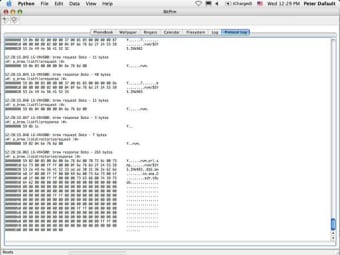
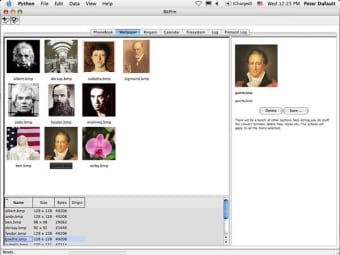
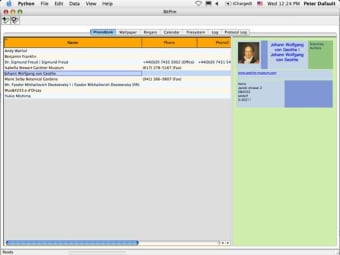
Bitpim allows you to transfer and edit data from your mobile device to your computer and back. The application works with most CDMA phones but will interact best with specific models from brands like LG, Samsung or Motorola.
Top Recommended Alternative

Once your phone is connected to your computer simply select the option to synchronize the device. A little pop-up window will allow you to select what data to choose from your phone.
It normally lists everything, from your calendar to contacts and messages to music and wallpapers. Transferring is fairly quick.
Once the data is uploaded to the Bitpim program you can edit it and make any changes.
Send it back to your device and Bitpim will ask you whether you want to replace or add the information.
I did find Bitpim's interface a little sparse and didn't really like how it opened numerous windows at startup.
Bitpim will not always work properly via Bluetooth, so its best to connect your mobile phone via a USB cable.
Need to transfer and edit data from your mobile device to your computer?Changes
New phone support: Samsung SCH-U740 (VZW) (Initial) Maintenance: Upgrade to wxPython 2.8.7.1 New phone support: Motorola K1m (Initial) New phone support: Samsung SCH-U470 (Juke) (Initial) New phone support: Sanyo SCP-7050 Bug fix: LG-AX8600 max number of phone entries. Bug fix: Linux RPM Build. Bug fix: Phone detection for recent Sanyo phones Bug fix: Samsung SPH-M300: ringtone conversion. New phone support: Motorola V3m (VZW) (Initial) New phone support: Motorola V325 (VZW) (Initial) Bug fix: LG VX-8550/5400/8800/10000: display wrong caller ID number. Bug fix: LG VX-8800: image preset resolutions. Bug fix: Help Build scripts.